Build Your BackroomsPlots: What They Areand How to Use Them
A plot is the buildable space; a route is the path visitors take inside it. Separate those two decisions, test the smallest useful layout, and expand only when the traffic pattern is clear.
Plot boundaryBuild testVisitor route
Quick answer
A plot is your buildable area, not the visitor route itself
Use the plot as the boundary for your construction, then design a compact route inside it. This page explains the distinction and gives you a repeatable way to build, observe, and expand without inventing unverified plot costs or unlock rules.
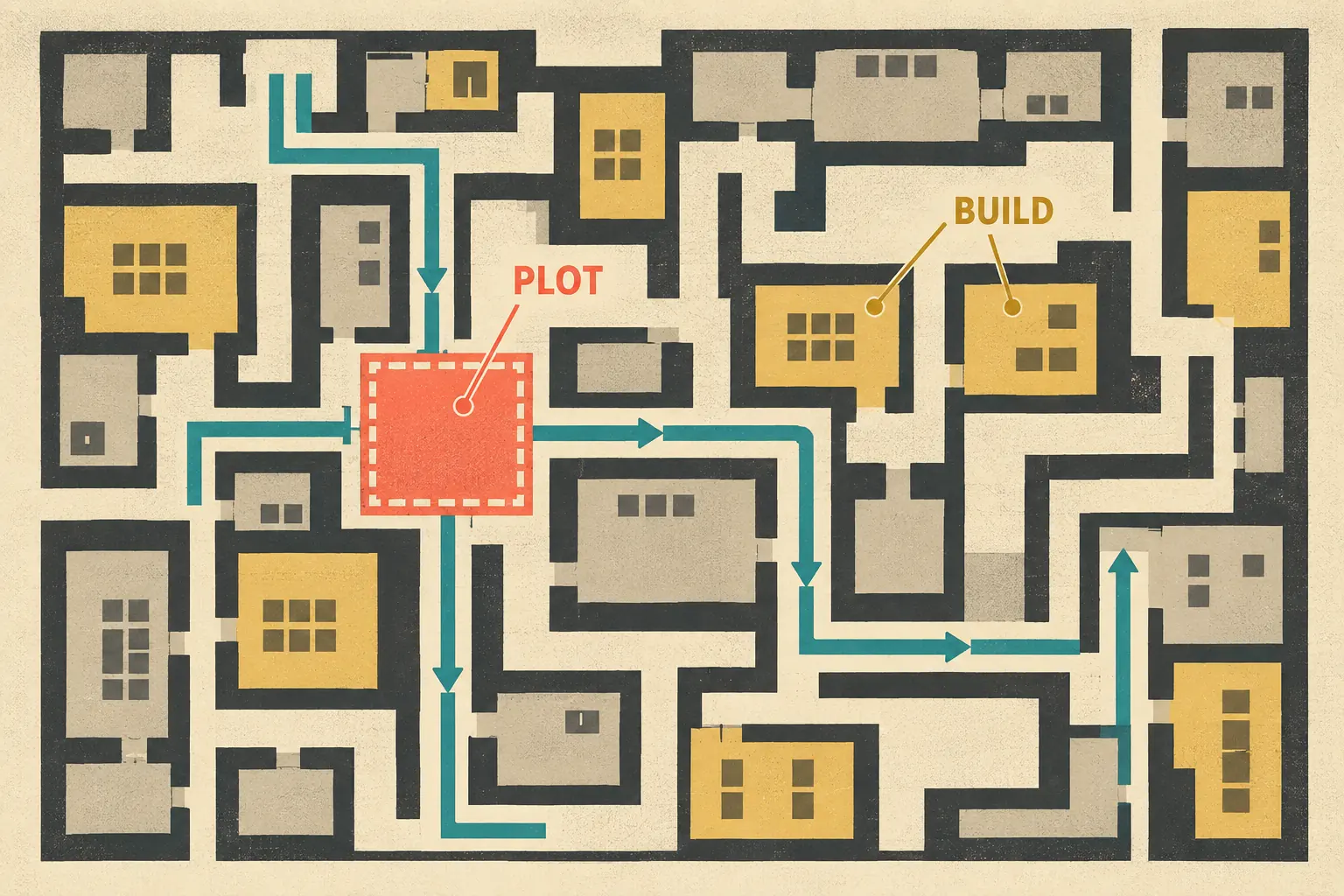
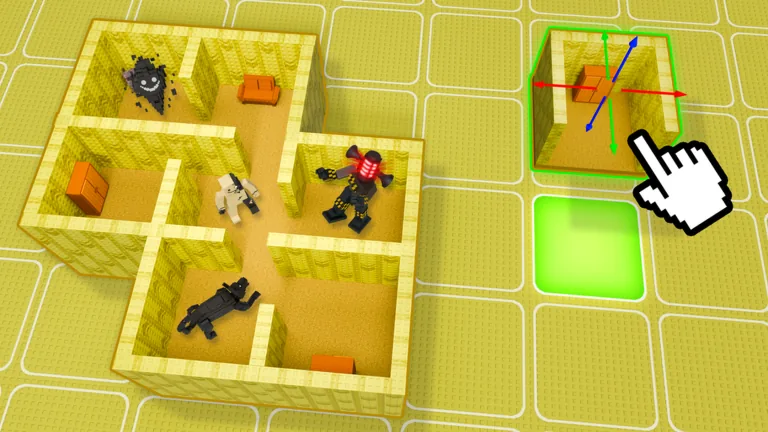
Editorial concept illustration, not a Roblox screenshot: the highlighted square represents the buildable plot boundary.
Plot workflow
How to use a Build Your Backrooms plot in 5 steps
The safest first build is small enough to inspect. Treat each step as a separate question so that a routing problem does not get confused with a room, monster, or decoration problem.
Step
What to do
What to verify
1. Find the boundary
Identify the space you can actually build in before placing decorative rooms.
You know which floor area belongs to the current plot.
2. Choose one entrance
Give visitors one obvious way into the first route.
You can see where visitors enter and where they leave the plot.
3. Build a compact route
Connect a short corridor, turn, and destination instead of filling every corner.
The main traffic lane is readable without guesswork.
4. Observe and compare
Watch more than one visitor pass and change only one variable.
A result can be repeated well enough to explain.
5. Expand one branch
Add a room or branch only after the first route has a known pattern.
You can tell whether the new space helped or diluted traffic.
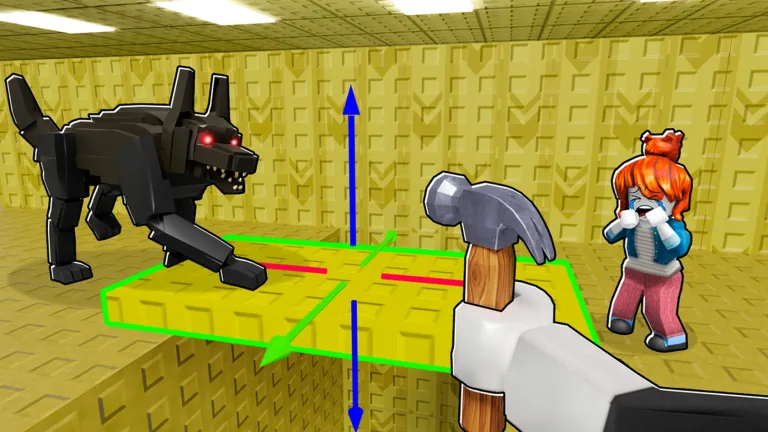
Official Roblox thumbnail used only for game context; the exact plot boundary and costs should be checked in the current experience.Concept matrix
Plot vs. route vs. room: the useful distinction
Term
What it means here
How to use it
Plot
The buildable boundary where your construction lives.
Set the working area before choosing decorations or branches.
Route
The path visitors take through the buildable space.
Keep it short enough to observe and compare.
Room
A space or destination placed inside the plot.
Add it when it supports a route decision, not only to fill space.
Test
A controlled observation of one layout change.
Record what changed and repeat the same view before judging it.
Plot workflow
What is a plot in Build Your Backrooms?
In this guide, a plot means the buildable area that contains your rooms, corridors, entrances, and other construction choices. It is the container for the layout, not a promise that every part of the area has the same visitor traffic. That distinction answers the exact question behind “what is plots in Roblox Build a Backrooms?” more clearly than a generic Backrooms levels list. Start by identifying the boundary you can use, then decide what a visitor should do inside it. Because public game pages and player experiences can change, this page avoids claiming a fixed plot size, price, unlock condition, or income value without a fresh, repeatable check in the current Roblox experience.
Plot workflow
Plot, route, and room are different decisions
A plot answers where you can build. A route answers how visitors move. A room answers what occupies a section of that space. New players often treat those three ideas as one problem: they make the plot larger, add several rooms, and then cannot tell why the visitor flow changed. Keep the questions separate. First make the boundary legible, then make one route legible, and only then decide whether a room or monster belongs on that route. This separation also makes the Build Your Backrooms wiki easier to update because each observation can be attached to a location, a path, and a test date rather than to a vague claim that a whole plot is “good.”
Plot workflow
Start with the smallest useful plot layout
A compact plot is easier to diagnose than a large maze. Place one entrance, one main corridor, one turn or checkpoint, and one destination that gives you a reason to watch the route. Leave some open space instead of decorating every tile immediately. If visitors do not enter, the problem may be the entrance or the route connection. If they enter but split unexpectedly, a branch may be diluting the traffic. If the route is clear but progress is slow, compare the same layout again before adding more rooms. This is practical testing guidance, not an official claim that one universal plot design works for every player.
Plot workflow
Use the layout generator as a planning aid
The Backrooms layout generator can help you sketch a compact grid and compare route patterns before you spend time rebuilding in Roblox. It does not claim the plot boundary, placement rules, or visitor pathing of the live experience. Use the generated map as a conversation with yourself: where is the entrance, where could traffic bottleneck, and which branch can be removed if the test becomes hard to read? A good plan is not the most complicated one. It is the one that lets you point to the plot boundary, follow the intended route, and change one part without losing the baseline.
Plot workflow
When should you expand a plot?
Expand when you can describe the first route without guessing. You should know where visitors enter, which corridor carries the main flow, and what changed when you tested the first room or placement. Add one branch at a time, then observe the same checkpoints. If a new room makes the route impossible to follow, simplify the branch before adding more decoration. If the experience changes after an update, treat the old layout as a starting hypothesis rather than a guaranteed strategy. The goal is not to publish a perfect blueprint; it is to preserve a working baseline so that each expansion teaches you something.
Plot workflow
What to record in the Wiki after a plot test
A useful note includes the plot context, the route shape, the room or monster placement, the visible visitor movement, and the date of the observation. Write down what you saw rather than converting one lucky run into an exact rate or reward. Link the note to the relevant Wiki field when a fact is stable enough to verify, and label it as an observation when it still needs repetition. This makes the plot page a practical bridge between the beginner guide, the layout generator, the mechanics explanation, and the evidence-focused Wiki. It also gives you a clean reason to retest after a visible change in Roblox.
Plot workflow
Why updates can change a plot test
A room, entrance, interface, visitor behavior, monster, or economy adjustment can change how a plot feels even when the outer boundary looks familiar. After an update, first walk the baseline route again. Check whether visitors still enter, whether the same turn receives traffic, and whether a branch now hides the original pattern. Only then compare a new placement or room. This cautious workflow avoids presenting old screenshots or copied numbers as current rules. The page is designed to stay useful when details move: boundary, route, observation, and retest remain the four things you can explain clearly.
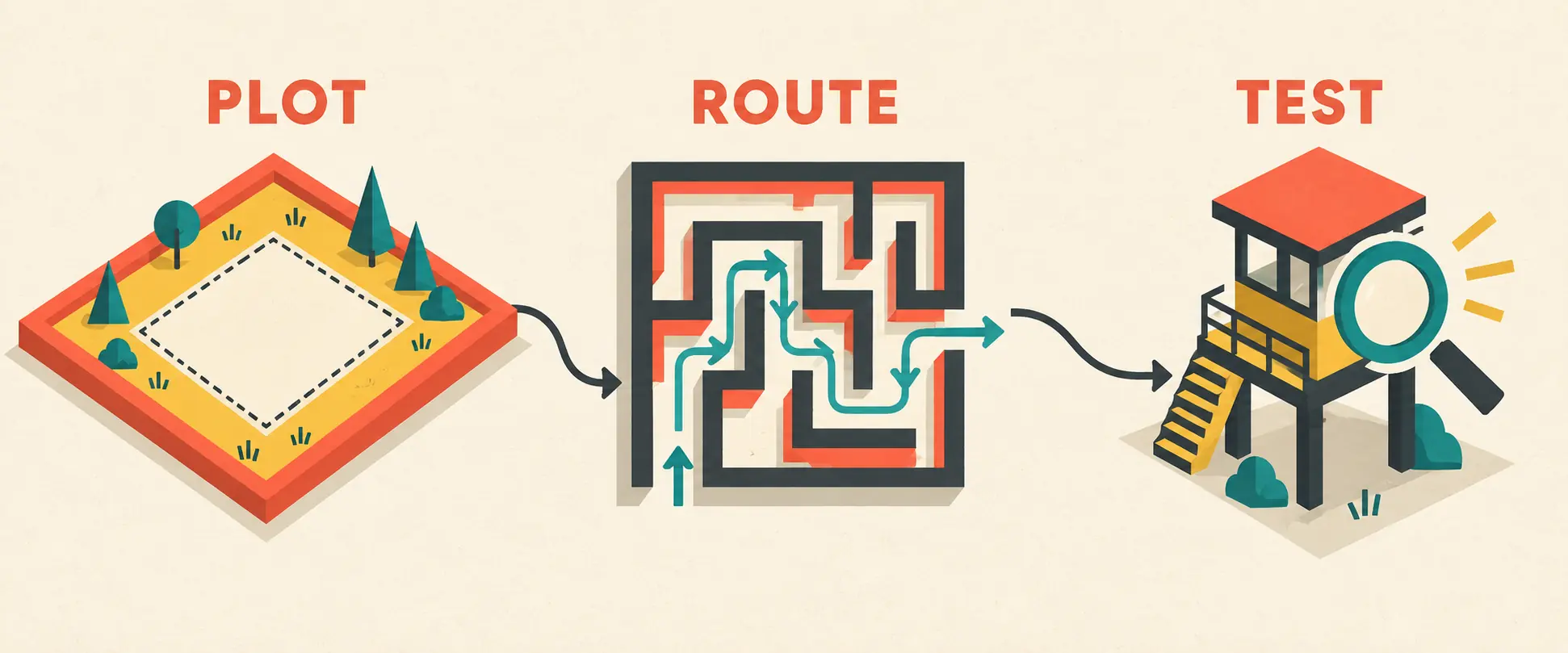
Editorial concept diagram: define the plot, create a readable route, then test visitor movement before expanding.Visual references
Three visual references for planning a plot
Editorial concept diagram: plot, route, and test are separate decisions.Official Roblox thumbnail for the maze context; it is not a measured plot map.Official game context for thinking about placement after the route is proven.
A plot is the buildable area that contains your rooms and route choices. It is the boundary for construction, not the same thing as the visitor path inside it.
Is a plot the same as a room or a Backrooms level?
No. A plot is the buildable space, a room is a part placed inside it, and a Backrooms level is a much broader term that can refer to lore or another game context.
What is the best Build Your Backrooms plot layout?
Start with one entrance, a short route, one turn or checkpoint, and a destination you can observe. Treat it as a test baseline instead of a universal blueprint.
Does the layout generator build my plot in Roblox?
No. It is a planning aid for comparing compact grids and route patterns. You still need to build and retest the result in the current Roblox experience.
When should I expand my plot?
Expand after you can describe the first route and repeat its visitor pattern. Add one branch or room at a time so you can identify the effect.
Should I retest a plot after an update?
Yes. Recheck the entrance, route, visitor movement, room behavior, and any visible economy or interface change before relying on an older layout note.