Build Your Backrooms Offline Earnings: 6 Checks Before Rebuilding
Build Your Backrooms offline earnings start with one confirmed fact: the official Roblox description says that monsters catch people even while you are offline. That supports checking progress after you return. It does not establish a fixed hourly income, an unlimited accumulation period, or a guaranteed amount for every maze. Before rebuilding a working layout because a balance looks wrong, record one departure and one return carefully.
This guide separates the developer's description from a practical checking method. The six checks below are troubleshooting advice, not a claim that we measured a hidden reward formula. The official source was checked on 8 November 2026. If a later interface shows a timer, limit, or collection instruction, that current instruction takes priority over a copied number from an older guide.
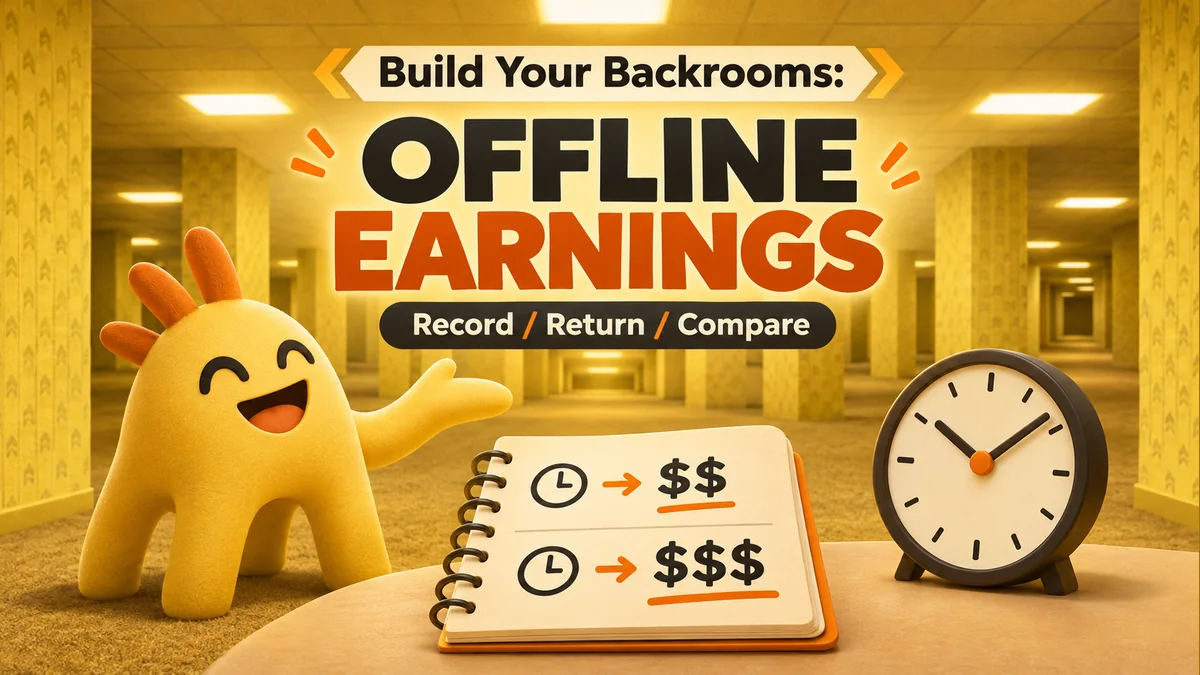
What the official offline statement confirms
The description outlines a simple loop: build a maze, let people enter it, place monsters to catch them, and collect stronger monsters or buildings for more cash. It separately states that monsters catch people offline. That is enough to establish offline activity as part of the advertised game, but it leaves several accounting details unanswered.
In particular, the description does not say whether an offline result appears directly in the balance or through a separate collection step. It gives no offline multiplier, pass requirement, timer, storage ceiling, or formula connecting a specific monster to a specific cash reward. Treat any such number as unverified unless the current game itself or a developer announcement supplies it. A missing number is a reason to measure carefully, not permission to invent one.
| Question | Current evidence | Safe action |
|---|---|---|
| Do monsters act offline? | The official description says yes | Make one controlled departure-and-return check |
| Is income linear with time? | No published formula in that description | Compare observations without extrapolating |
| Is there a maximum storage time? | No cap stated there | Read any limit shown in the live interface |
| Is a particular upgrade required? | No requirement established by the offline sentence | Avoid buying an item solely to fix an unproven problem |
Check 1: confirm the right account and experience
Open Build Your Backrooms through the official Roblox listing, and confirm that you are using the account that owned the maze at departure. Similar names, saved browser links, and a second signed-in account can make an unrelated balance look like lost progress. The listing used here belongs to Wind Sun Moon [WSM]; checking the creator is more reliable than recognizing a thumbnail alone.
Once you enter, allow the room, account information, and currency display to finish loading. Do not compare a temporary loading value with yesterday's remembered total. If the scene or account looks unfamiliar, resolve that first. An earnings test is only meaningful when both observations refer to the same saved game state.
Check 2: establish a useful departure baseline
Record the displayed cash amount and local time before leaving. A screenshot is useful because it captures abbreviations, other counters, and any open prompt. Also note whether you have just bought a building, moved a monster, received another reward, or changed the maze. A short note such as “same route, no purchase after this screenshot” is sufficient; a complex spreadsheet is unnecessary.
If the counter is abbreviated, preserve the visible format rather than pretending it is exact. For example, a display rounded to thousands may hide a small change. Use an exact value elsewhere in the interface only if the game actually provides it. A comparison between two rounded labels can establish a visible change, but it cannot support a precise per-minute rate.
Check 3: leave a setup that you can recognize
Before departure, inspect the existing visitor route and monster placement once. The aim is to identify what state you left, not to prescribe an undocumented “best offline layout.” The beginner guide covers the basic build-and-observe loop, while the monster guide helps keep placement checks separate from claims about a guaranteed catch rate.
Avoid changing several things immediately before every test. If you expand the maze, buy a monster, and rebuild the entrance at once, a later difference has several possible explanations. Keep one recognizable arrangement for the first check. If you later test an adjustment, record it as a new trial rather than combining two unlike results into one average.
Check 4: return without mixing other transactions
Note the return time, wait until the currency display settles, and look for any current in-game message about offline progress. Follow a collection prompt only if one is actually visible. This guide does not assume that every version uses a button with the same label or location. Record the balance before and after that prompt if the interface permits it.
Delay purchases, code redemption, and other rewards until you have saved the return observation. Those events can all change cash independently of time away. If you accidentally buy something first, keep the note but mark the test as mixed. Repeating a short clean comparison is more informative than guessing which part of a complicated balance change was earned offline.
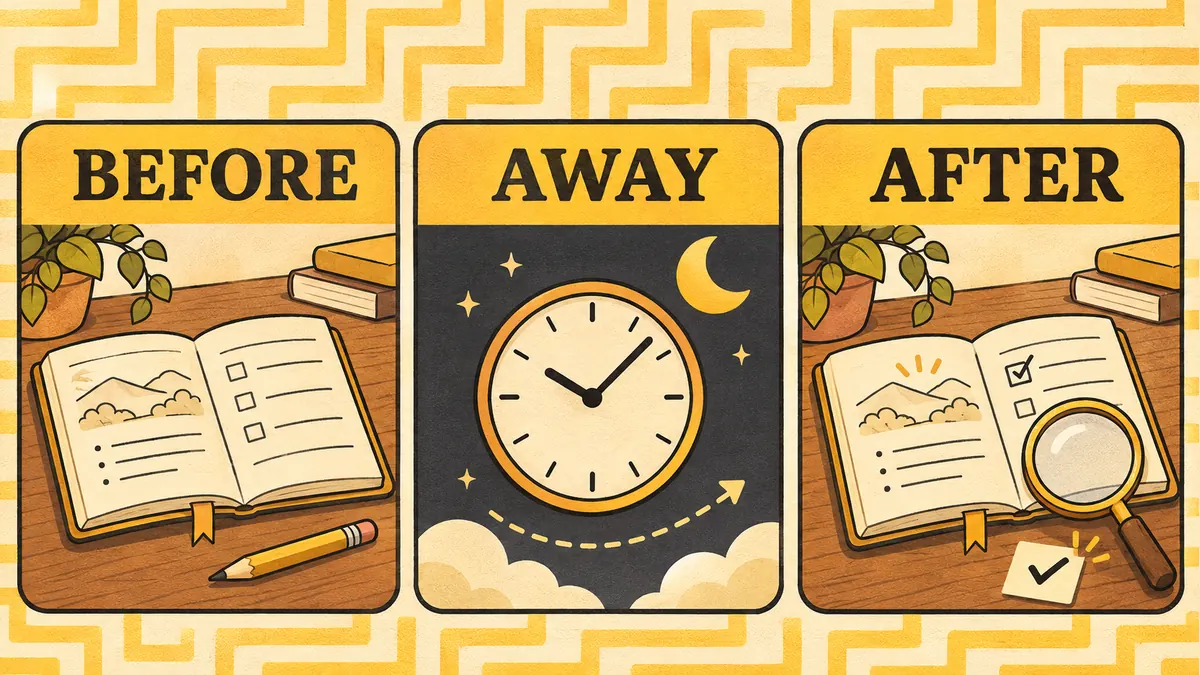
Check 5: calculate only what your notes support
Here is a fictional accounting example, not a game reward estimate. Suppose the departure balance is 12,000 and the settled return balance is 12,650. With no intervening spending or other known rewards, the visible increase is 650. You can report that observation. You cannot conclude that the next absence will pay the same amount or that a longer absence will multiply it proportionally.
If you spent 300 before taking the return screenshot, the visible difference would instead combine a gain and a purchase. Reconstructing the transaction may help, but it is weaker evidence than a clean test. Keep time away, balance change, setup, and any claim message in separate columns. That separation prevents a single large result from becoming an unsupported income promise.
Check 6: troubleshoot one failed comparison at a time
If no visible increase appears, first reread the saved numbers and account name. Next inspect any loading state, offline message, or current limit. If the interface seems stale, rejoin once and record what changes. Do not repeatedly reconnect every few seconds; that obscures the original observation and does not establish whether the game saved a reward.
If the issue repeats, collect a second example with the same setup. Record the official game link, device, departure and return times, visible balances, and the exact prompt text. Share that through a developer support route linked from the official listing if one is available. Never send a password, session cookie, or payment details. A precise two-observation report is easier to investigate than “offline money is broken.”
Keep offline checks separate from active money farming
An active-session income route and offline accounting answer different questions. The money-farm guide focuses on observing the live cash loop; this page focuses on what you can establish after leaving. Success in one context does not prove an identical rate in the other. Likewise, a paid upgrade advertised elsewhere should not be treated as a required repair unless its actual description says so.
The useful stopping rule is simple: once the same account, stable display, clean baseline, and one repeat check agree, you have a defensible observation for that version. Keep the note and play normally. Recheck after a meaningful update or a genuinely different result, rather than turning every session into an elaborate experiment.
Official Build Your Backrooms description on Roblox
Build Your Backrooms offline earnings questions
Does Build Your Backrooms work while I am offline?
The official Roblox description says monsters catch people even offline. It does not publish a guaranteed earnings rate, maximum duration, or universal claim-button location.
What is the maximum offline earnings time?
The official description checked for this guide does not state a cap. Do not assume that doubling your time away doubles your reward. Check any limits shown in the current game interface.
Why did my money not increase after returning?
First confirm the same account and game, let the interface finish loading, compare an exact saved balance, and look for a visible claim prompt. If it repeats, report one reproducible example instead of repeatedly rebuilding.
Do I need an auto-clicker for offline earnings?
No external clicker is needed to check the official offline claim. Use the normal Roblox client and current game prompts; third-party scripts add risk and make a clean comparison harder.