BuildYourBackrooms.blogRoblox guide hub
English
Progression guide

Build Your Backrooms Rebirth Guide

Use the live requirement panel and confirmation screen to decide whether to rebirth. Record what changes, then rebuild and retest one step at a time.

Live panel firstReset checklistRebuild and retest
The safe answer

Read the live reset details before you confirm

Roblox's public game listing confirms the maze, visitor, monster, and cash loop. It does not publish Rebirth thresholds or a reset list, so use the current in-game panel as your source of truth.

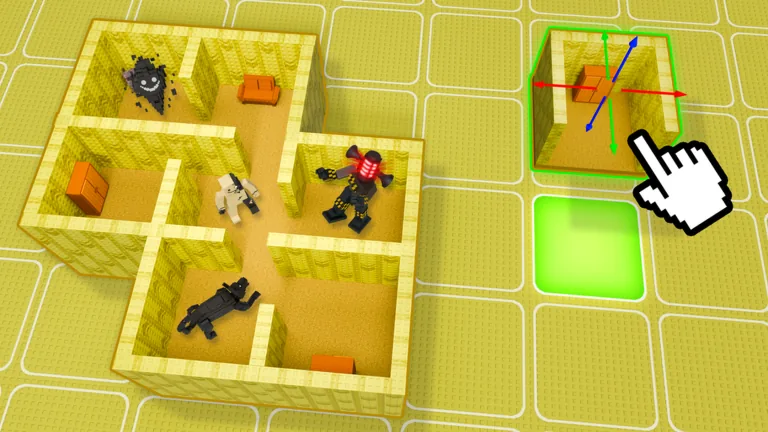
Official Build Your Backrooms Roblox thumbnail showing a connected maze with monsters; it identifies the game setting, not the Rebirth interface
Official game thumbnail; the maze is context for planning a rebuild, not evidence of what the Rebirth action resets.
Quick answer

Check the current Rebirth panel before every reset

Use the requirement and confirmation screens shown in your current server. Record every displayed target, reward, and reset warning before deciding. The official Roblox listing confirms the game loop but does not publish fixed Rebirth numbers or carry-over rules. If a label or consequence is unclear, cancel and verify it in the live game instead of relying on an old chart.

Verified game information

What the official listing confirms—and leaves open

The official Build Your Backrooms listing identifies Wind Sun Moon [WSM] as the creator. Its public description says people enter the maze, monsters catch them, buildings and stronger monsters support more cash, players can explore their own or another maze, and catches can continue while the player is offline. Those details support a practical preparation plan: know how your current maze earns and what you would need to restore after a progression change.

The public description does not give a Rebirth requirement table, a total number of tiers, a complete reset list, or a guarantee about which buildings, cash, monsters, or plot progress carry over. Those details may be visible in a live menu or confirmation prompt, but they should be read from the current experience. This guide therefore avoids publishing fixed thresholds or claiming that a specific part of a save is always kept or removed.

For the current game identity and its published description, open the official Roblox experience page. A community recording or another guide can help you recognize a menu, but a dated video is not proof that its button labels, values, or reset behavior still match your server today.

Open the official Build Your Backrooms Roblox listing

Official listing checked 1 October 2026. Rebirth requirements and reset scope are not published there.

Current-session workflow

How to check Build Your Backrooms Rebirth requirements

Follow the labels available in your current game client; the location and wording of a progression menu can change. Do not spend or confirm until you can explain each requirement in your own words.

1

Open the progression panel

Look for the current Rebirth or progression entry in the live experience. Treat these as search terms, not guaranteed button labels or a fixed screen location.

2

Copy each displayed target

Write down the exact building, plot, cash, or other requirement that the panel actually shows. Mark a field as unknown if the screen does not explain it.

3

Read the reward and reset preview

Check the benefit and every item named in the confirmation prompt. Do not infer that a maze, balance, monster, or unlock is preserved just because a different guide says so.

4

Compare the cost with your current loop

Collect available earnings, note which route and monster currently work, and compare the rebuild effort with the visible reward. Your own current save is the relevant example.

5

Confirm only when the action is clear

If the confirmation matches what you expect and the benefit is worth the interruption, continue. If a consequence is missing or surprising, cancel and check again.

Field notes

Use a small checklist instead of a copied number table

Fill these fields from the live screen before the action. The table deliberately has no preset values: the right target can differ by current progression and a future update.

FieldWhat to captureWhy it matters
RequirementExact target and current progress shown nowShows what remains before the button is available.
RewardThe benefit or unlock named by this promptLets you compare the reward with rebuilding time.
Reset warningEvery item the confirmation says will changePrevents assumptions about saved progress.
Current baselineCash collected, working route, and useful placementsGives you a practical recovery reference.
Make the call

Rebirth now, wait, or stop to verify?

A requirement being complete is only one part of the decision. Match the panel, the reset preview, and your ability to restore a working maze.

Ready to continue

Every required field is met, the reward and reset preview are clear, and you have recorded a route you can rebuild.

Wait and earn

A target is still short, your present maze is not earning reliably, or the next step would leave too little room to recover.

Cancel and verify

The panel gives no clear reset explanation, the confirmation contradicts the menu, or a value differs from the live server.

Official game imagery

Use the promotional thumbnails as context, not proof of reset rules

These images come from Roblox public game media. They show the experience's building and maze setting; none is a screenshot of the current Rebirth menu.

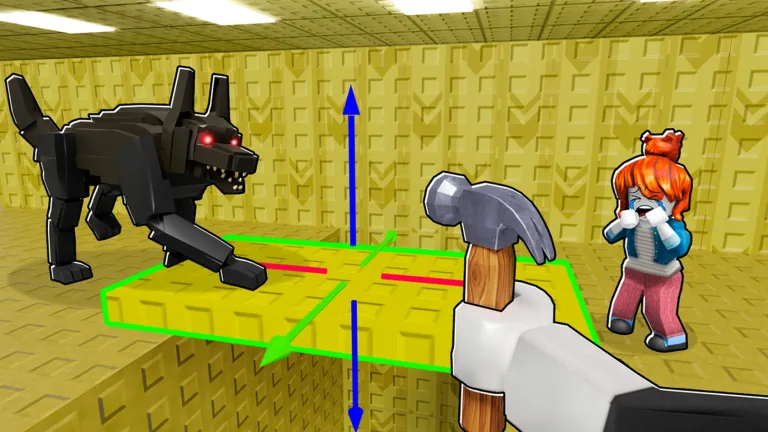
Official Build Your Backrooms thumbnail showing a selected build piece in the maze
Official promotional image for the building environment; it does not document a Rebirth requirement.
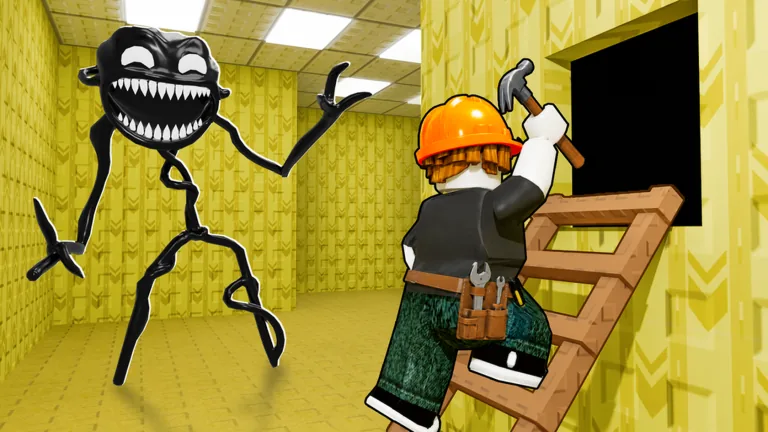
Official Build Your Backrooms thumbnail showing a builder adding a structure beside a monster
Official game art provides setting context for planning a compact rebuild, not evidence about saved progress.
Rebirth planning

When to rebirth in Build Your Backrooms

There is no universal best moment that can be expressed as one public cash number. A useful time is when the current panel says the requirements are met, the benefit is clear, and your working income route can be restored without guessing. If your maze has only just begun producing useful earnings, note what makes it work before changing progression. If a visible reward unlocks an option you plan to use, compare that benefit with the time needed to rebuild. This is a decision rule, not a promise that every account will reach the same point at the same speed. Check the current server each time because the menu and progression targets may change.

Prepare before you press the button

First collect any available earnings and write down a compact route that currently works. Note the monster positions that matter, the useful connections between rooms, and the next building you would buy if you had to restart the route. Then read the full confirmation text slowly. Do not treat an unlisted item as guaranteed to carry over, and do not treat a warning as decorative. If the game lets you cancel from the preview, use that moment to resolve uncertainty. Preparation does not require saving a perfect maze blueprint; a short note or a player-created screenshot of your own build can be enough to remember the useful structure.

Plan a rebuild you can test

After the action, check the live game state before spending the remaining balance. Verify the reward shown, then rebuild one connected route and test it before adding branches or decoration. The official description supports the broad loop of maze building, visitors, monsters, and cash, but does not promise a particular catch rate or a fixed amount after Rebirth. Change one part at a time so you can tell whether the new layout is working. The site's layout generator can help sketch a route, but it is an independent planning aid and does not read, save, or reproduce your Roblox account data.

Treat online tier charts as dated references

A tier list can be useful if it states when it was checked and where each value came from. It becomes risky when it presents a universal requirement, a maximum number of Rebirths, or a carry-over rule without an in-game source. If you compare a chart with your server and they disagree, follow the live prompt and record the mismatch. Do not spend cash on filler pieces simply because an old guide gives a quota; use only pieces the live panel counts toward your current target. Our wiki is a place to keep evidence and dates, not a reason to copy an unverified number.

Know when a claim is still unverified

The fact that several pages repeat the same value does not make it official or current. A creator announcement, the game itself, or a repeatable observation can support a claim; a snippet copied across sites cannot show that your current server has the same settings. This page separates the verified public game loop from menu details that are not published in the official description. If you record a new threshold, include the date, the exact screen, and whether another player could reproduce it. Leave a field marked unknown when the evidence is incomplete. That makes the next update easier to check and prevents a useful guide from turning into a stale promise.

Retest after the progression change

Once the menu closes, compare what is visible with the notes you made before confirming. Check the current requirement for the next step, inspect whether the maze or placements changed, and verify that the reward appears where the prompt said it would. Run one small visitor-and-cash test before deciding that an old farm route still works. If the result differs, record the interface version or visible update signal and adjust one part of the build. For route help, the existing maze and cash guides cover their own separate questions; this page stays focused on the decision and the recovery check around Rebirth.

A reliable Rebirth plan starts with the live screen

Copy the requirement, reward, and reset preview from your own server. Continue only when those details are clear and your current route is recorded. Afterward, verify the result and rebuild one testable section at a time. Fixed online figures stay out of this guide until they can be checked against a current, repeatable source.
FAQ

Build Your Backrooms Rebirth FAQ

Where can I see the current Build Your Backrooms Rebirth requirements?

Use the progression or Rebirth panel inside your current Roblox session. Labels and screen positions may change, so follow the live client instead of a fixed screenshot. Record each target and your current progress before spending toward it.

What do I need to rebirth in Build Your Backrooms?

The requirement shown for your current step is the one to use. The official public description does not list a fixed quota table, and Similarweb or GSC data cannot verify in-game targets. Check every field displayed in the current panel.

What gets reset when you rebirth?

Do not assume. Read the complete confirmation screen and note each item it says will change. If the message is unclear or conflicts with the previous panel, cancel until you can verify the current behavior.

Does Rebirth keep your maze?

The official public listing does not document what the game preserves. Check your current confirmation prompt, then compare the maze and placements after the action. This guide does not promise that a save item will carry over.

Should I rebirth as soon as the requirement is met?

Not automatically. Compare the visible reward, any reset warning, your current income route, and the time needed to rebuild. Continue when the action is clear and the benefit suits your next goal; otherwise, wait or verify.

Are six Rebirths the maximum in Build Your Backrooms?

This guide cannot verify a permanent maximum from the official public description. Treat tier counts on other pages as dated claims and check the current panel or a creator announcement before relying on them.