Check the current build prompt, separate item removal from a full plot reset, and keep a small route you can compare after the change.
Inspect firstRemove one itemRetest the route
Quick answer
Use the current in-game prompt; do not assume a generic Roblox delete key.
Build Your Backrooms can change its build UI, so the dependable method is to select the placed object, read the action shown on screen, and remove one item while keeping the rest of the route stable. If no remove action appears, treat the object as unconfirmed rather than pressing random keys or resetting the whole plot.
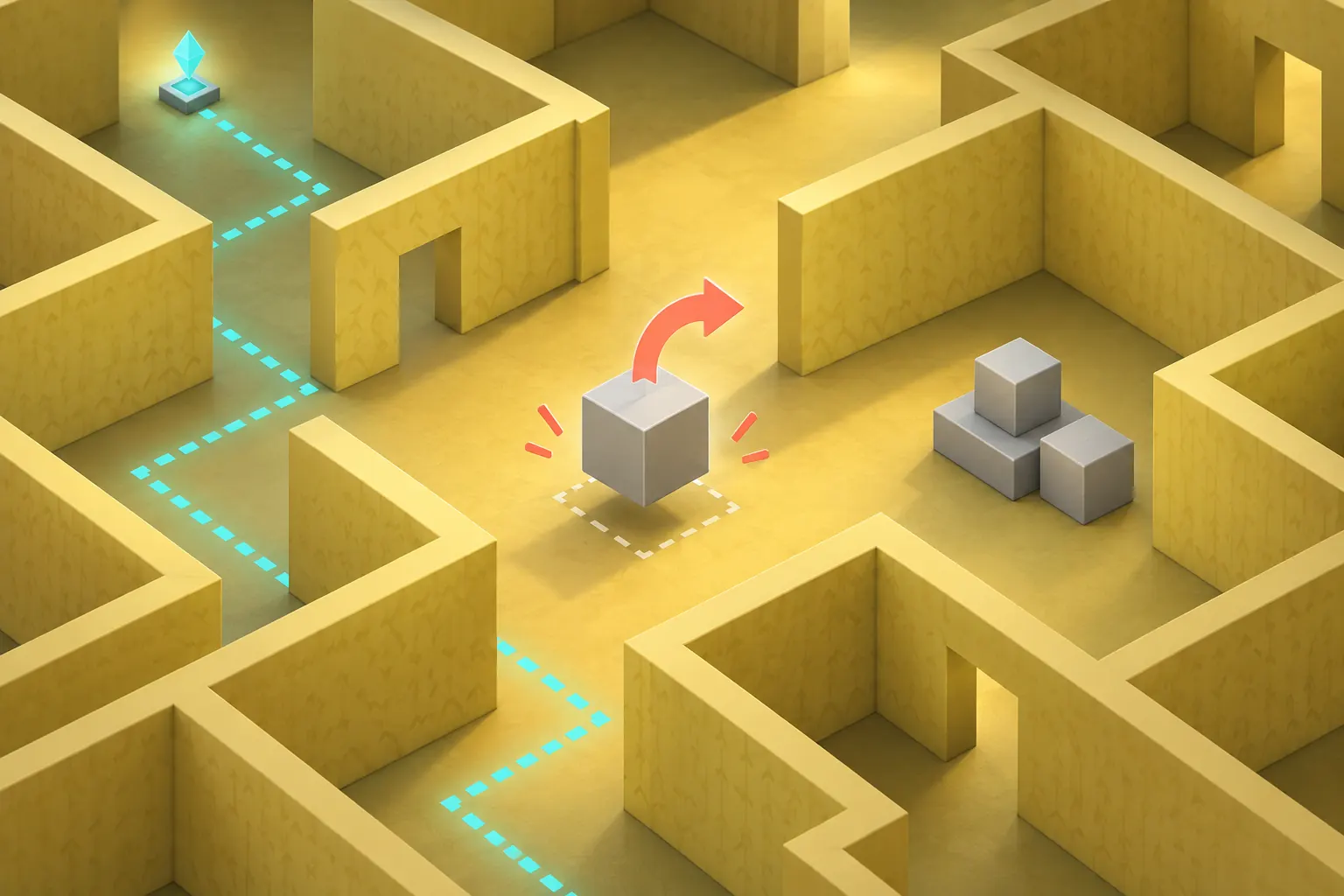
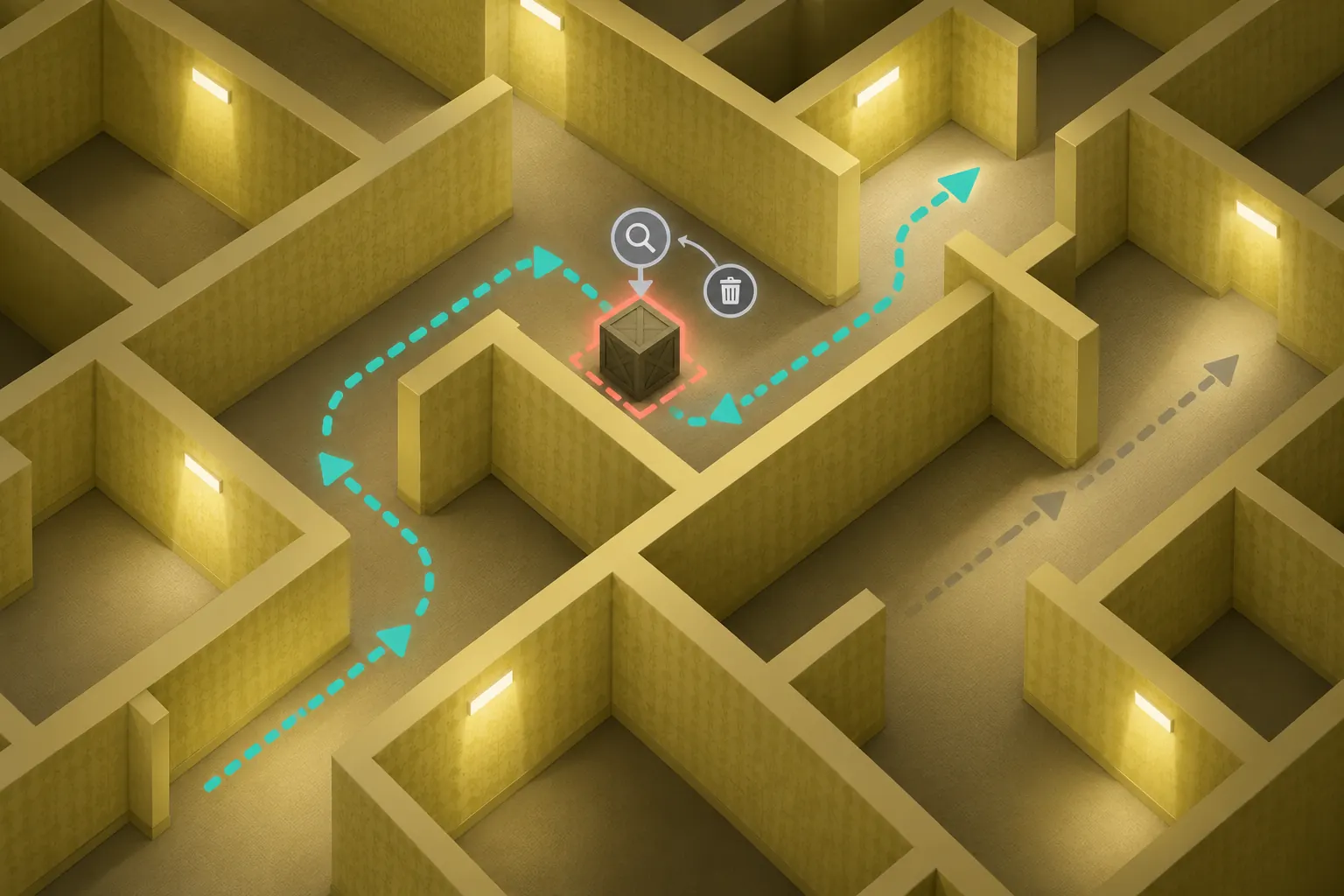
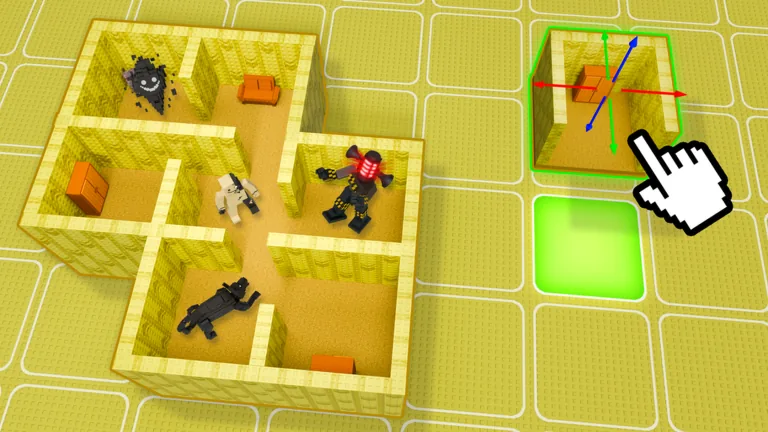
Concept art used to explain the decision flow; the current in-game prompt remains the source of truth.
Removal workflow
How to delete an item in Build Your Backrooms safely
The search question sounds like a single button, but the useful answer has three checks: identify the object, confirm the action that the current UI exposes, and verify that the route still behaves after the change.
Step
What to do
What to record
1. Save the baseline
Walk the small route once and note the entrance, main lane, and checkpoint.
Which object is in the way and what visitors did before the change.
2. Select the object
Use the build view or interaction prompt that is visible in the current session.
The exact label or icon you can see, rather than a copied keybind.
3. Remove one item
Choose the visible remove, sell, delete, or cancel action if the game offers one.
Whether the object disappeared, moved, or only left selection mode.
4. Recheck the path
Return to the normal play view and watch the same points again.
Whether the opening and visitor flow are easier, unchanged, or blocked.
5. Keep or rebuild
If removal is unavailable, place a replacement only after the original state is understood.
The limitation and the next test, without claiming an unverified shortcut.
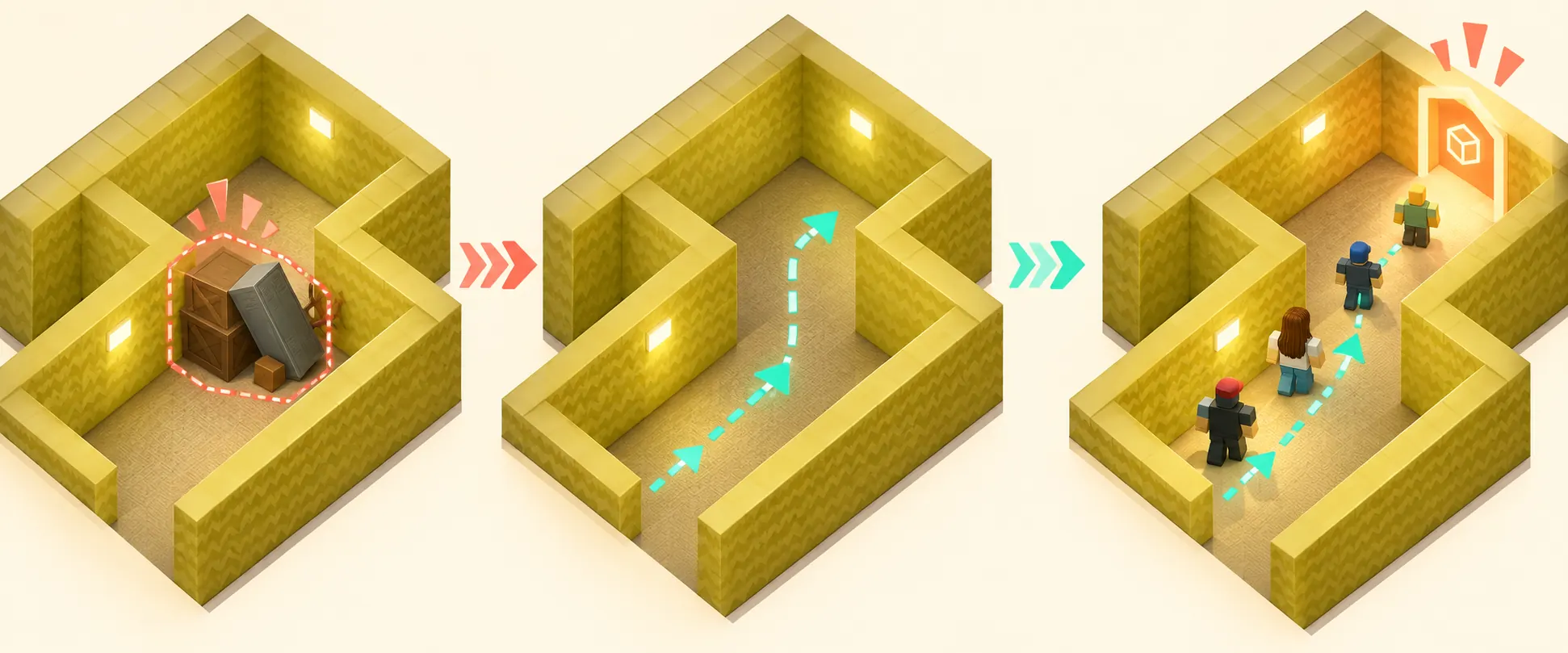
Concept art used to explain the decision flow; the current in-game prompt remains the source of truth.Decision matrix
Delete, move, sell, or reset: which action fits the problem?
Visible situation
Best next action
Why
One block is in a corridor
Try the current remove or move prompt
A single controlled change preserves the route test.
The item is selected but no action is shown
Exit selection and reread the prompt
The UI may require a different build state or tool.
The whole plot is confusing
Keep the original route and rebuild a small section
A full reset can erase the evidence you need.
An item changes the money or visitor signal
Retest before adding another object
You need to separate the removal effect from a new layout.
The action differs on mobile or controller
Follow the platform prompt
Roblox input and game UI can vary by device.
Practical guide
What this page can and cannot promise
The phrase can you delete things in your inventory in Build Your Backrooms is specific, but it does not prove that every object uses the same control. A public guide can explain the test and the evidence to collect; it should not invent a permanent keyboard shortcut when the experience may change. Treat the visible Roblox prompt, the selected object, and the result after one removal as the current evidence.
Practical guide
Inventory is not always the same as a placed object
Players often call every buildable object an inventory item. The game may instead expose a placed object, a build-mode selection, a plot decoration, or an item that can only be replaced. Before searching for a delete button, ask where the object exists: in a hotbar, on the plot, in a shop, or in a saved layout. The location changes which action is plausible and prevents a plot reset from being mistaken for item deletion.
Practical guide
Use the prompt visible in your session
Roblox supports different input devices and Build Your Backrooms can update its interface. Start by selecting the object, then read the action label, icon, tooltip, or controller hint that appears. On PC, a familiar key may be a useful first check, but it is not evidence by itself. On mobile and controller, look for the on-screen action. Record the wording if the control is unclear so a later retest can compare the same state.
Practical guide
Remove one object before changing the route
If a block sits in a visitor lane, remove only that block and leave the entrance, corridor, turn, and checkpoint intact. This creates a before-and-after comparison. If you delete several walls, move a monster, and add a new room together, a faster or slower run has no clear cause. A controlled removal is more useful than a dramatic rebuild when the goal is to answer one troubleshooting question.
Practical guide
Do not confuse delete with sell or cancel
A prompt can describe different outcomes. Delete may remove a placed object, sell may return some value, cancel may only close selection mode, and reset may clear a larger part of the plot. Read the confirmation and inspect the plot after the action. Never claim that a sell refund, inventory return, or permanent removal happened unless the current session shows it. Keep uncertain behavior marked as unverified in your own notes.
Practical guide
What to do when no delete control exists
A missing action is still useful evidence. Exit the build state, select the object again, try the platform-appropriate prompt, and check whether the object is part of a larger room or generated layout. If the experience offers no safe removal, the practical answer may be to move around it, rebuild a small section, or wait for a visible UI change. Do not recommend an external script or exploit for a normal player guide.
Practical guide
Retest visitors and progression after removal
Walk the same points after the item disappears: entry, main lane, first turn, and any visible money or progress checkpoint. If visitors now enter or stop somewhere else, record that as an observation rather than a universal rule. Repeat once more when practical, especially after a game update. The removal guide supports the existing route, mechanics, and money-farm pages by making the changed variable explicit.
Practical guide
Keep a short evidence note
A useful note has the date, platform, object type, visible prompt, action taken, and before-and-after result. A screenshot can support the note, but it should not replace the description of what was tested. If the game changes, mark the old result as needing a retest. This keeps a narrow answer honest while still helping the next player decide what to try first.
Visual checks
Three visual reminders for a safe item removal test
Editorial concept image, not gameplay: inspect one obstacle and keep the rest of the route comparable.Editorial concept image, not gameplay: compare the route before and after removal, then observe visitors again.Official Roblox media provides game context; it does not prove a universal inventory control or delete shortcut.
Can you delete things in your inventory in Build Your Backrooms?
Sometimes the game exposes a remove, sell, or replace action for a selected object, but the exact behavior must be checked in the current session. Select one item, read the visible prompt, and verify the result after the action.
What is the Build Your Backrooms delete key on PC?
Do not rely on a generic Roblox key as a permanent answer. Use the current Build Your Backrooms build prompt, because controls can change and the same key may only cancel selection or rotate an object.
How do I delete an item in Make Your Backrooms on Roblox?
First confirm that the search refers to the Build Your Backrooms experience on this site. Then select one placed object and follow the current on-screen action. If no removal control appears, document the limitation instead of using a script or exploit.
Does resetting a plot delete inventory items?
A plot reset is a broader action and may remove more than the single object you meant to change. Keep a small baseline and use a reset only when the current UI clearly explains its scope.
Why can I select an object but not remove it?
The object may require another build mode, a platform-specific prompt, or replacement rather than deletion. Exit and reselect it, inspect the visible hint, and retest one state at a time.
Should I use a script to delete Build Your Backrooms items?
No. This guide covers normal player controls and observable UI. External scripts can be unsafe, violate game rules, and make the result impossible to verify for ordinary players.