Choose a pattern that answers one building question, then test the smallest version before adding branches, monsters, or decoration.
Layout ideasFive patternsTest one changeRoblox build
Quick layout answer
Start with a pattern you can explain in one sentence
The most useful Build Your Backrooms layout idea is a small, readable pattern with a visible entrance, a main lane, and one checkpoint. Use the generator for a sketch, then use the live Roblox experience to see whether visitors actually follow it.
Pick the smallest pattern that answers your current question. Keep the entrance, visitor lane, and checkpoint visible so a later change has a clear comparison point.
Pattern
Use it when
First checkpoint
1. Straight spine
You need a clean baseline for visitor movement.
Visitors enter, reach the end, and return without a hidden branch.
2. Short loop
You want to compare repeated traffic and a cash signal.
The same lane repeats before you add a second room.
3. Corner turn
You are testing whether a turn changes where traffic concentrates.
The turn is visible and the old route remains easy to rebuild.
4. Split lane
The main loop is stable and you have one branch question.
You can tell whether visitors choose the branch or the baseline.
5. Compact ring
You want several checkpoints without a long maze.
Each checkpoint is named and the ring does not hide the entrance.
Choice matrix
Which layout pattern fits the problem?
A pattern is a test frame, not a promise of the fastest farm. Choose by the signal you need to observe and keep unrelated variables stable.
Problem
Best starting pattern
Avoid
Visitors stop at the entrance
Straight spine
Adding decoration before checking the first connection
The route works but feels slow
Short loop
Changing rooms, monsters, and money points together
Traffic disappears around a turn
Corner turn
Adding a branch before the turn is repeatable
You need to test one expansion
Split lane
Calling the branch better after one lucky pass
You need several observation points
Compact ring
Making the ring so large that the baseline is unclear
Layout reasoning
What layout ideas mean in Build Your Backrooms
A layout idea is a pattern for asking a building question, not a finished blueprint copied from another player. The useful version names the entrance, the main visitor lane, the point where progression can be observed, and the one change you plan to test. That boundary keeps the page separate from the layout generator, which creates a grid, and the best-layout guide, which explains how to judge a route. Treat every pattern as a reversible starting state that can be rebuilt after a Roblox update.
Layout reasoning
1. Straight spine: the clearest baseline
Build one entrance into a short corridor with a visible end point. The straight spine is intentionally plain: it makes a blocked connection, an unused entrance, or a visitor turn easy to spot. Walk the route more than once before adding a monster or side room. If visitors do not reach the end, fix the connection or simplify the entrance first. The pattern is useful for beginners because it gives you a stable before state for every later layout idea.
Layout reasoning
2. Short loop: repeat the same lane
A short loop connects an entrance, one main lane, a turn, and a return path. Use it when you need to compare repeated visitor movement or a cash progression signal without hiding the cause in a large maze. Keep the loop short enough that you can describe it from memory. Add only one new room or placement after the loop repeats. A loop that looks efficient but cannot be inspected is less useful than a smaller route that shows where movement slows.
Layout reasoning
3. Corner turn: make the decision visible
The corner turn puts one clear change in the route: visitors must turn before reaching the next checkpoint. It helps you ask whether a narrow turn concentrates traffic or makes the path harder to read. Mark the old entrance and the new checkpoint, then compare the same points before and after the turn. Do not add a second branch until you know whether the first turn is stable. If the route fails, remove the turn temporarily instead of hiding it under decoration.
Layout reasoning
4. Split lane: expand only after a baseline
A split lane is a controlled branch, not a reason to build a giant maze. Start with a working spine or loop, then add one branch that answers a specific question: does a new room help visitors continue, or does it dilute the main lane? Keep the baseline route visible and change one connection at a time. Record which lane visitors use across several passes. A branch is worth keeping when it adds a useful observation or progression point, not merely because it fills empty space.
Layout reasoning
5. Compact ring: several checkpoints in one frame
A compact ring can hold an entrance, a turn, a money signal, and a return point without the walking distance of a long maze. Name the checkpoints before you build: entrance, lane, turn, signal, return. If the ring becomes too wide, the same pattern can hide where visitors leave the route. Use the ring when you have several questions but still need a small, repeatable frame. The moment you cannot explain the route in a sentence, remove a room and restore the baseline.
Layout reasoning
Use visuals as references, not proof
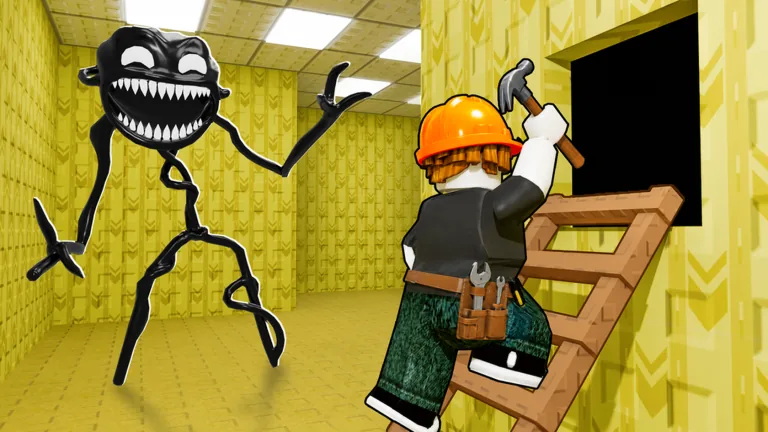
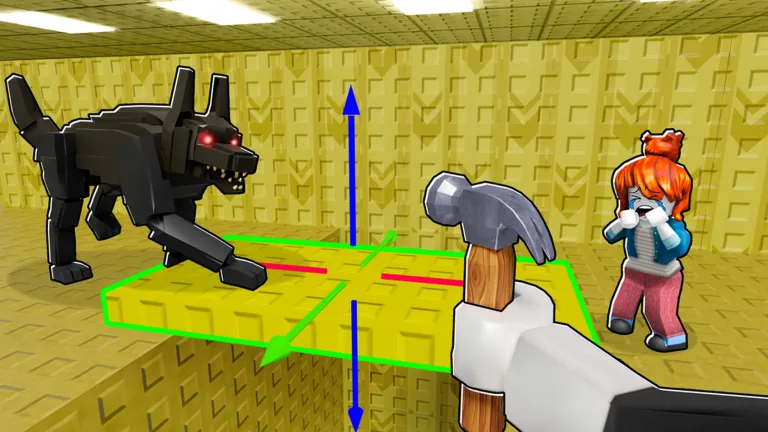
The official thumbnails on this page identify the Roblox game and show the kind of building context players will see. They are not measured maps and do not prove a universal layout, visitor rate, monster effect, or cash-per-minute number. Pair each visual with a checkpoint list: where the entrance is, where the main lane turns, and what you will observe. If you need a quick sketch, use the layout generator, then rebuild the smallest version in the live experience before treating it as evidence.
Layout reasoning
When to change a layout idea
Change one part after a repeatable baseline or after a visible update changes rooms, interface, visitor movement, monsters, or the economy. Keep the previous pattern in mind so you can restore it if the new branch makes traffic harder to read. A dated screenshot can explain what a pattern looked like, but it cannot prove that the current Roblox experience behaves the same way. Update notes should say what changed and what still needs a retest.
Visual references
Three visual points for comparing layout patterns
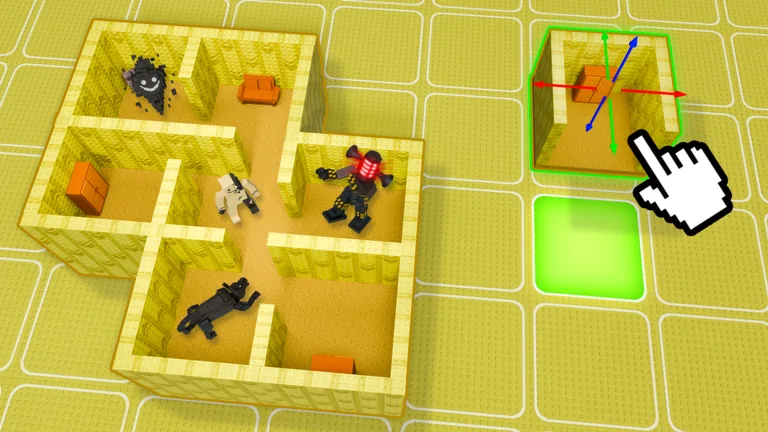
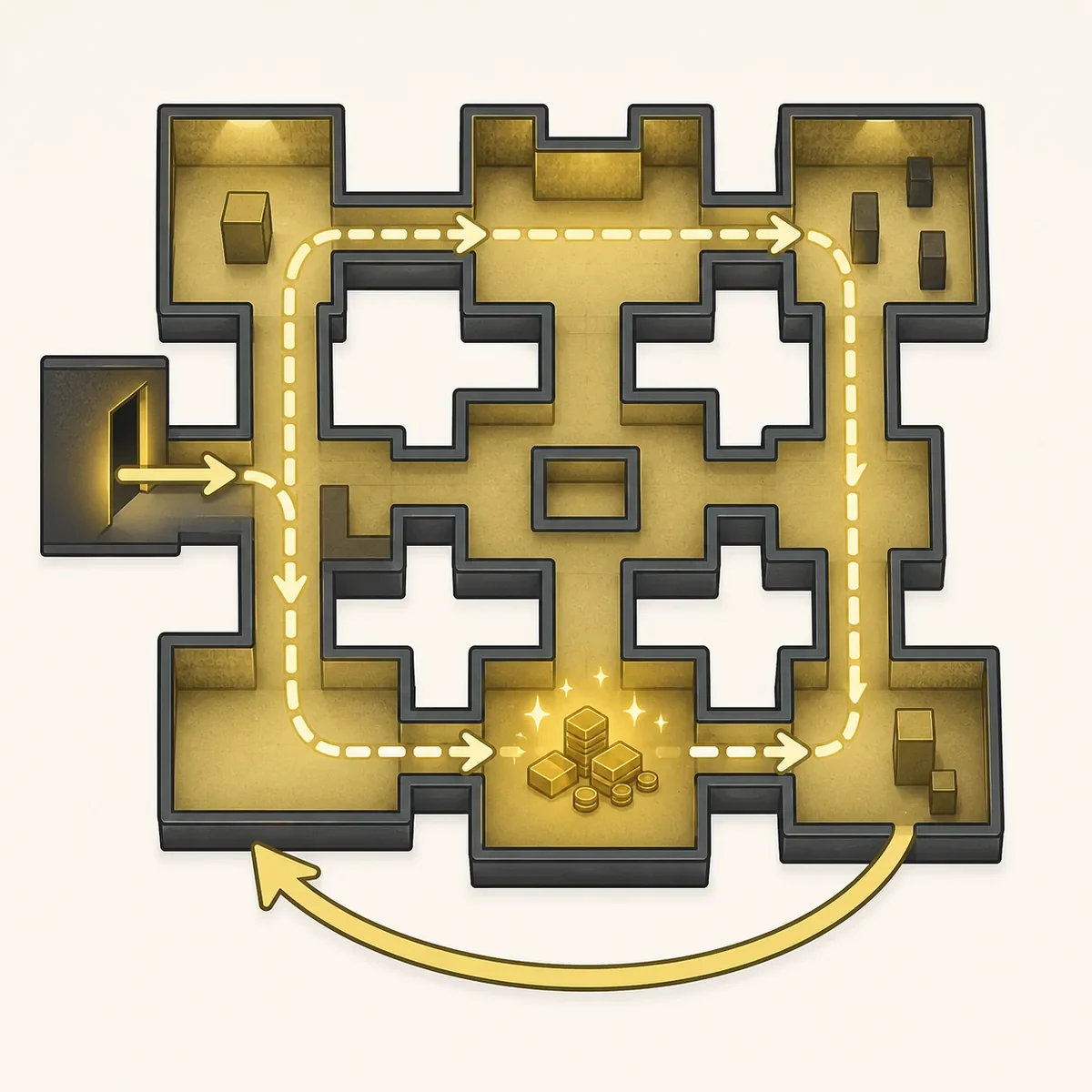
Use the official game thumbnails to identify the build context, then use the editorial loop illustration as a reminder to name checkpoints before expanding.
Official game thumbnail: identify an entrance and a main lane before adding a branch.Official game thumbnail: place a monster only after the route has observable traffic.Editorial illustration, not gameplay: a compact loop makes before-and-after checks easier to explain.
Choose the smallest layout that answers your question
Choose the smallest layout that answers your question
Start with a straight spine, short loop, corner, split lane, or compact ring. Name the checkpoints, watch repeated visitor movement, and change one connection at a time. The best layout idea is the one you can explain, rebuild, and retest after the next visible Roblox update.
FAQ
Build Your Backrooms layout ideas FAQ
What is the best Build Your Backrooms layout idea?
There is no verified universal blueprint. Start with the smallest pattern that answers your question, then compare repeated visitor movement before expanding.
Are layout ideas the same as the Backrooms layout generator?
No. The generator creates a planning grid. This page explains five patterns and when to test them in the live Roblox experience.
Should I use a split lane as a beginner?
Use a straight spine or short loop first. Add one split only after the baseline route repeats and you can compare the branch with the original lane.
Where should a monster go in a layout pattern?
Place one monster beside a corridor, turn, or entrance with observed visitor traffic. Keep the rest of the pattern stable while you retest.
When should I rebuild a layout after an update?
Rebuild the smallest baseline when rooms, UI, visitor movement, monsters, economy behavior, or Roblox metadata visibly changes.